Sound familiar?
You've just finished a great intake interview, but then the time-consuming manual work begins. Retyping details from your ATS, cutting and pasting into separate Word documents and endlessly wrestling with margins and logos to make the CV look even remotely presentable. It costs valuable hours every day, leads to sloppy inconsistencies between recruiters and delays the moment you can put a candidate forward.
How it works in practice
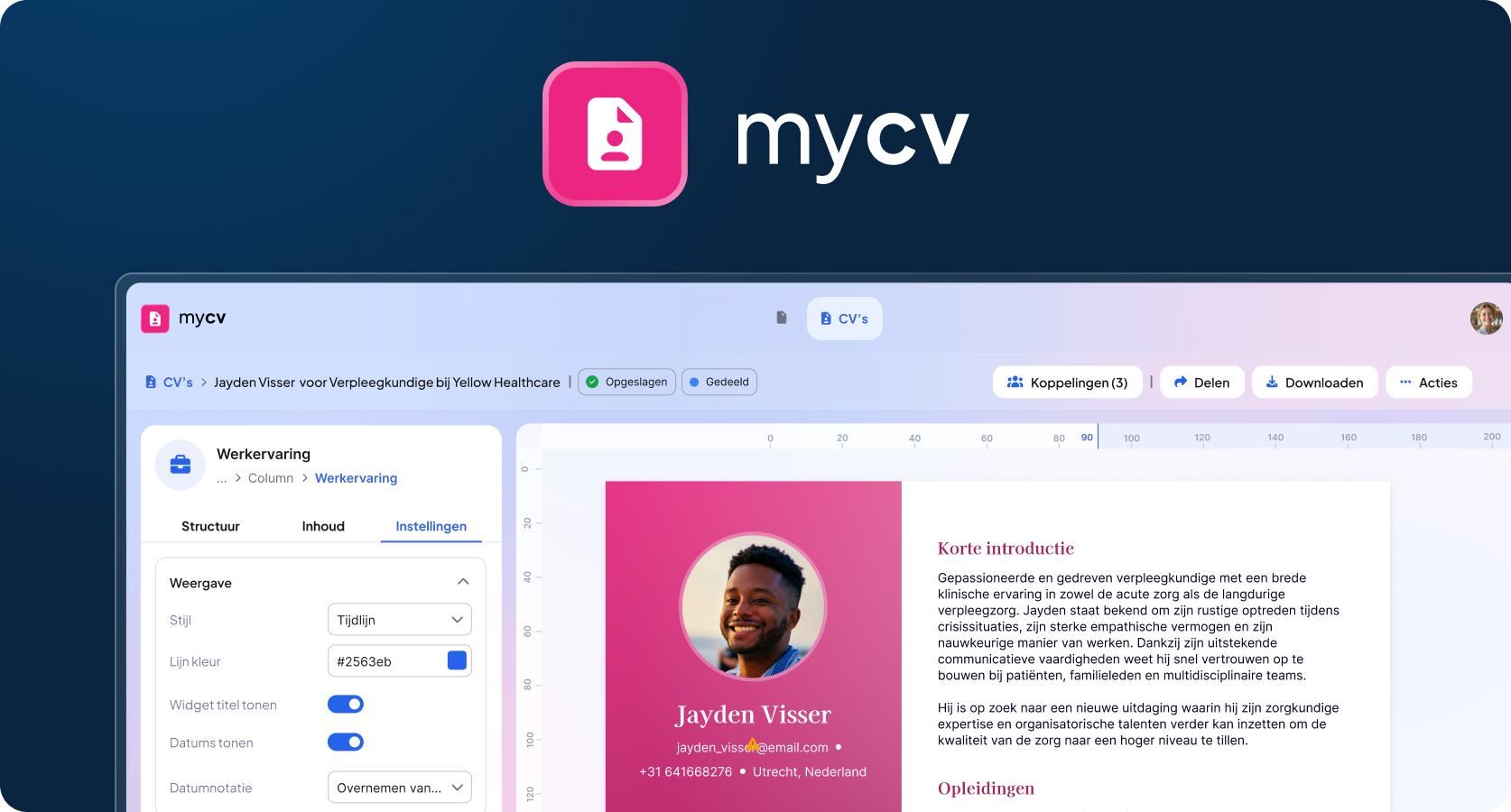
With mycv, you link a candidate profile from OTYS Go! to your own organisation template in one click. Thanks to smart merge fields and AI, all standard and custom fields, including enriched conversation insights from mytranscript, are placed in exactly the right spot straight away.
In the flexible Live Template Editor, you can then highlight what matters for each client, anonymise data or have AI rewrite the tone of voice of the summary. Happy with it? Save the CV to the OTYS file or instantly share a secure online link with an expiry date you set yourself.
Benefits
- Huge time savings: Generate a complete, error-free CV within seconds, without any manual formatting.
- 100% brand identity & consistency: Every CV leaves your organisation in the same sleek, recognisable corporate identity.
- Smart AI support: Let AI rewrite candidate summaries or tailor them to the client's culture.
- Multiple versions & easy anonymisation: Create a suitable variant for each role or proposal and hide privacy-sensitive data with a single click.
- Always up to date: Has something changed in the candidate profile in OTYS Go!? You'll get an instant notification in mycv.
- Secure and controlled sharing: Stay in control of candidate data with online CV links that have an adjustable validity period.
Who is it for?
mycv has been developed for recruiters, staffing consultants and recruitment agencies who work with OTYS Go! and want to speed up and professionalise their candidate presentations. It also gives maximum control to application administrators and marketing teams who want to ensure that all colleagues always work with the correct, up-to-date corporate identity templates.
Fully integrated
mycv works seamlessly with your existing OTYS Go! environment and connects directly to the AI conversation analysis of mytranscript. The application administrator can easily activate mycv via the dashboard in MyOTYS.
After completing the short onboarding and activating a template, the tool is immediately available to the entire organisation via the menu under the profile picture. From any candidate profile, you can generate a CV straight away via the custom action button or the mycv widget on the candidate detail page.

